Description
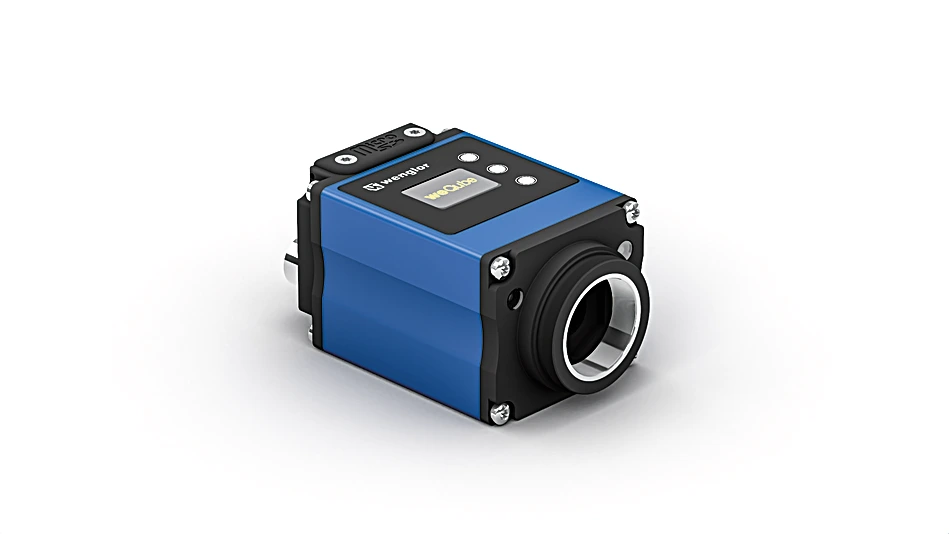
The vision sensor weQubeVision is based on the wenglor MultiCore technology. The functions region of interest and tracking ensure optimal object detection. The following image processing modules are available: Dimensional accuracy check, sorting procedures, presence control, object counting, position output, pixel counting, filter options, and statistics evaluation. Thanks to the integrated color image chip, all image processing functions are also available for remote applications.
Features at a Glance
- Image processing functions
- MultiCore technology
Technical Data
Optical Data
| Resolution | 736 × 480 Pixel |
| Resolution | 0.35 MP |
| Image Chip | color |
| Image chip size | 1/3″ |
| Pixel Size | 6 × 6 µm |
| Light Source | External lighting |
| Optics | C mount |
| Frame rate (fullframe) | 15 fps |
Environmental conditions
| Temperature Range | -25 … 55 °C* |
| Atmospheric humidity | 5…95%, non-condensing |
Electrical Data
| Supply Voltage | 18 … 30 V DC |
| Current Consumption (Ub = 24 V) | < 200 mA |
| Inputs/Outputs | 6 |
| Switching Output Voltage Drop | < 2.5 V |
| Switching Output/Switching Current | 100 mA |
| Short Circuit Protection | yes |
| Reverse Polarity Protection | yes |
| Interface | RS-232/Ethernet |
| Protection Class | III |
Mechanical Data
| Setting Method | Web server |
| Housing Material | Aluminum |
| Degree of Protection | IP67 |
| UL Enclosure Type | 1 |
| Connection | M12 × 1; 12-pin |
| Type of Connection Ethernet | M12 × 1; 8-pin, X-cod. |
| Optic Cover | Plastic, PMMA, ABS |
| Weight | 350 g |
Safety-relevant Data
| MTTFd (EN ISO 13849-1) | 263.03 a |
General Data
| Software | uniVision 2 |
| License package | weQubeVision Standard |
Function
| Presence Check | yes |
| Pixel Comparison | yes |
| Reference Image Comparison | yes |
| Tracking | yes |
| Object detection | yes |
| Dimensional accuracy check | yes |
Output
| PNP NO | yes |
| RS-232 Interface | yes |
| Ethernet | yes |
| PROFINET I/O, CC-A | yes |
| EtherNet/IP™ | yes |
Adjustable parameters
| Output | Push-pull NPN PNP |
| Circuit | NC NC/NO NO |
| All other parameters can be found in the product documentation. |
Standards and certificates
  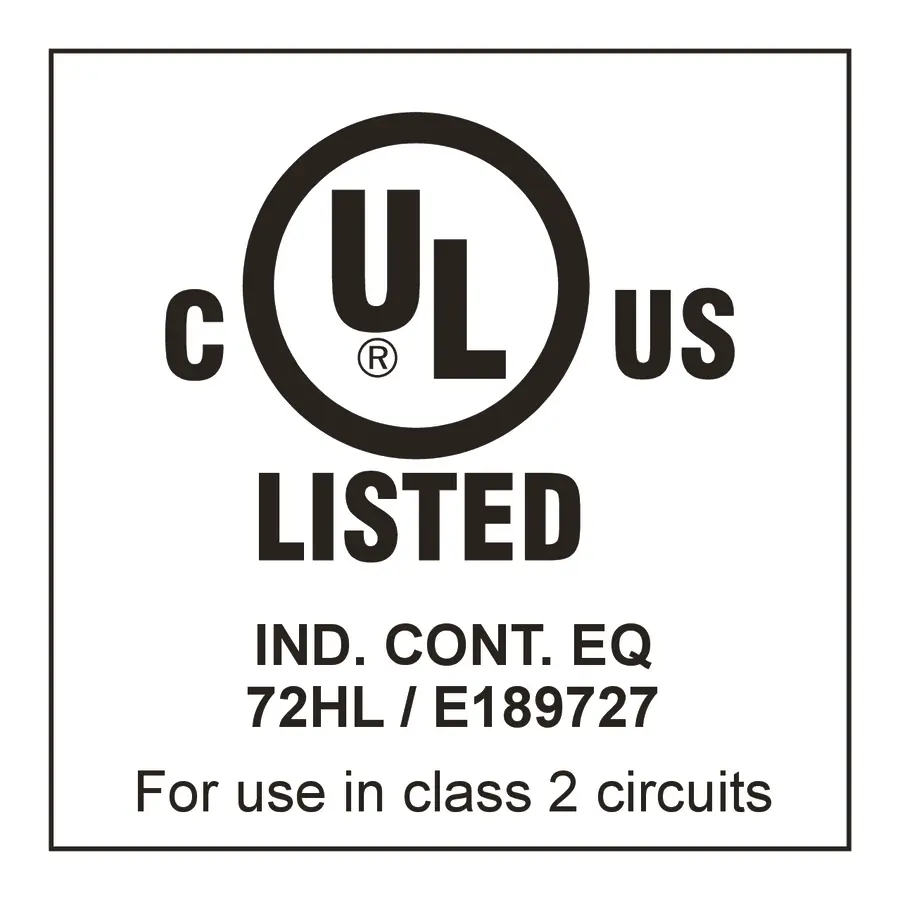   |
Connection Diagram
 |
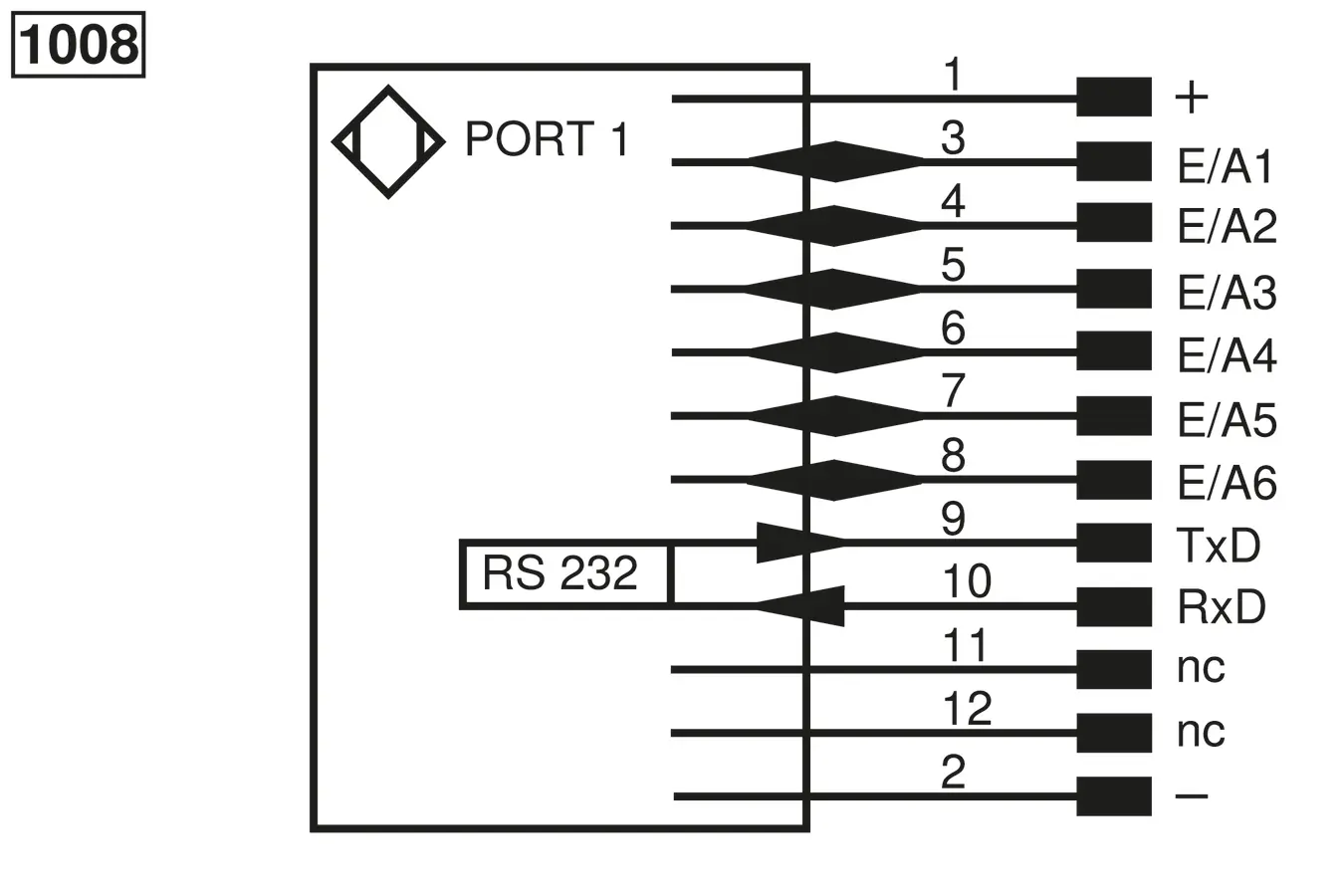
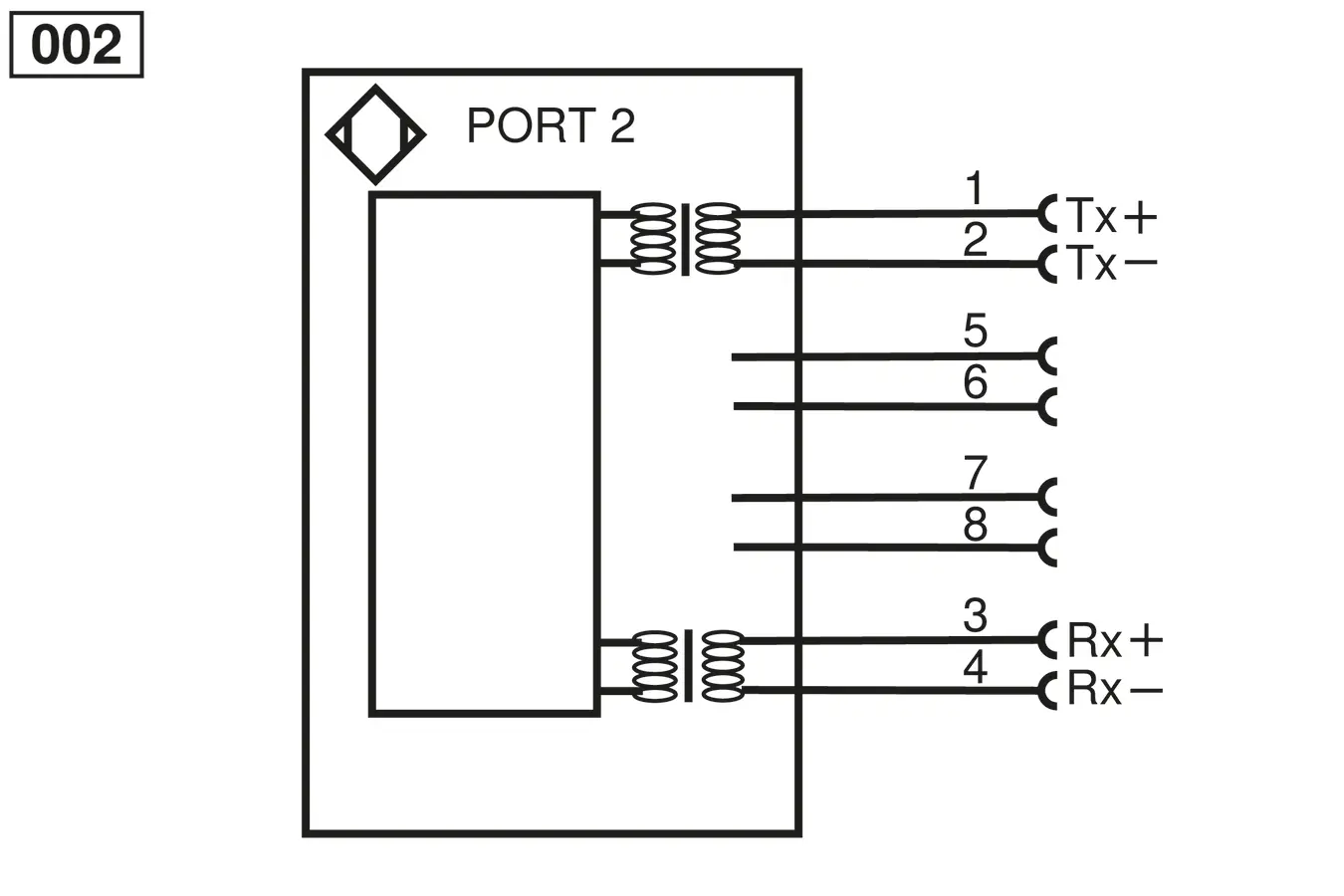
Ctrl. Panel
|
20 = Enter key
22 = Up key 23 = Down key 60 = display |